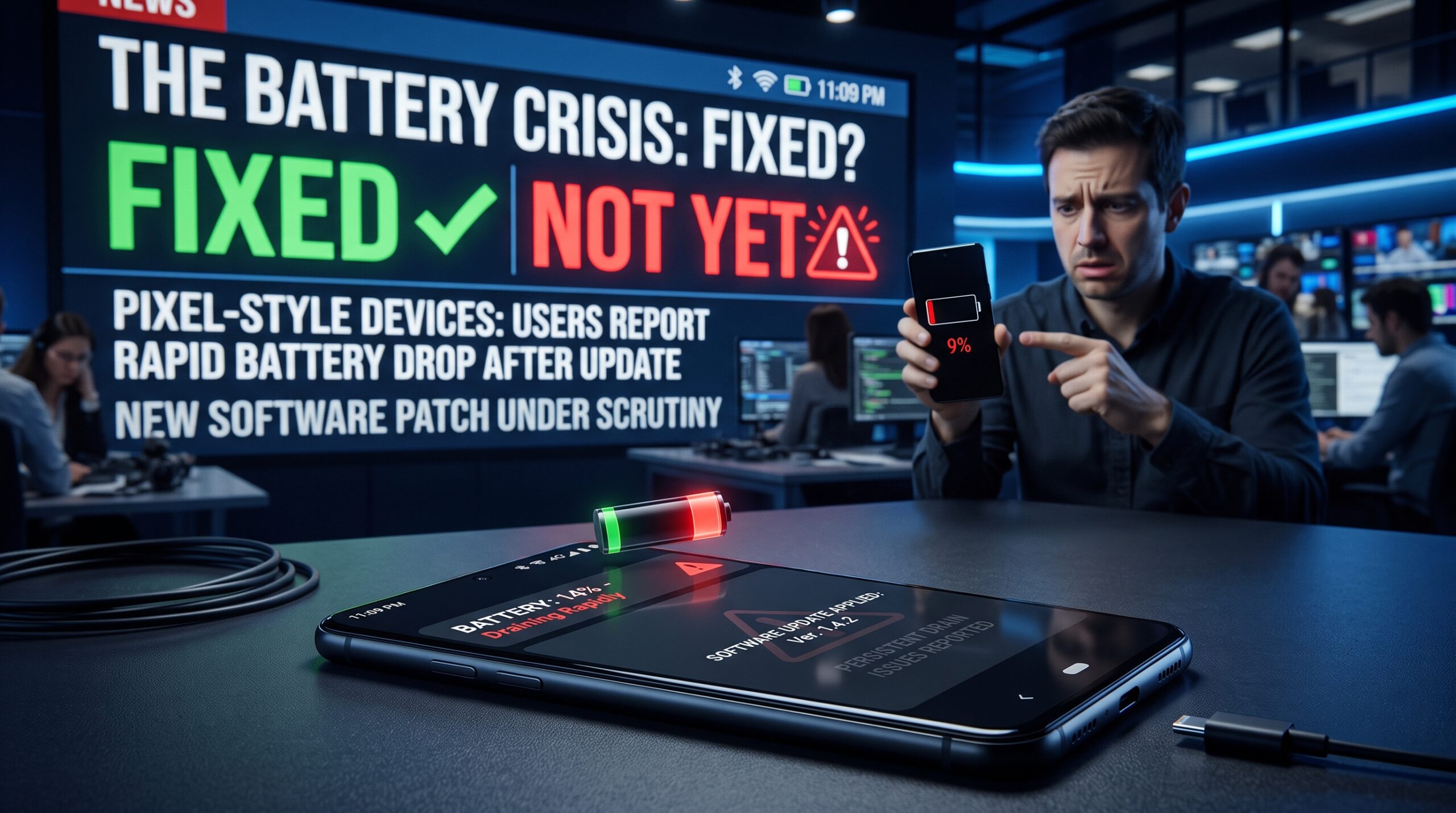
Pixel owners have spent much of 2026 dealing with a frustrating problem: a phone that appears to be doing almost nothing can still lose a surprising amount of battery.
The complaints became especially visible after the March 2026 Pixel update. Some owners reported battery life dropping dramatically, with certain users saying they needed to charge their phones several times a day. Reports appeared across different Pixel generations rather than being isolated to a single model.
Then Google appeared to deliver the answer users had been waiting for.
The company marked a serious idle battery-drain issue as fixed in its Issue Tracker. But there is a catch. Some Pixel owners say the problem has not disappeared, leaving an uncomfortable gap between Google’s software status and what people are experiencing in the real world.
Google Says The Pixel Battery Drain Bug Is Fixed
The specific issue identified by Google is unusually technical: “Severe Idle Drain: kepler_spi_irq_handler & gnss_ipc Suspend Aborts.”
Google said a fix was merged into the July 2026 monthly release for the Pixel 9 Pro XL, Pixel 9 Pro, Pixel 9, Pixel 10 Pro XL, Pixel 10 Pro, Pixel 10 and Pixel 10a. For the Pixel 8a and Pixel 9a, Google said the fix would arrive with the September quarterly update.
That sounds reassuring.
But there is an important distinction between a particular bug being fixed and every battery-drain complaint being resolved.
Google’s tracker update appears to address a specific idle-drain problem involving system processes that can prevent the phone from properly entering low-power states. Meanwhile, Pixel owners have reported other battery symptoms that may have different causes.
That’s why simply seeing “Fixed” in an issue tracker does not necessarily mean every affected phone will immediately return to normal battery life.
Why Idle Drain Is So Frustrating
Battery drain during active use is relatively easy to understand. You’re watching videos, navigating with GPS, playing games or using mobile data.
Idle drain is different.
Your Pixel can be sitting on a desk with the display off and still consume significantly more power than expected. That is particularly frustrating overnight because users expect a phone that is barely being used to preserve most of its charge.
The technical details help explain why.
Modern Android devices use aggressive power-management systems designed to put processors and background components into low-power states when the phone is inactive. If a hardware subsystem or software process repeatedly wakes the device, that efficiency can disappear.
The result is a phone that looks idle but isn’t really sleeping.
Why Pixel Users Still Say The Problem Isn’t Fixed
This is where Google’s announcement becomes complicated.
Reports from Pixel owners continued after the fix was marked complete. 9to5Google reported that dozens of comments on the Issue Tracker pushed back against Google’s decision to close the issue, with users saying their battery drain remained unchanged.
Reddit discussions tell a similar story, although community reports should be treated as anecdotal rather than controlled testing. Some owners say the July update improved battery life, while others report that their phones continue losing battery unusually quickly.
That mixed experience is actually useful information.
It suggests the situation may not be one giant Pixel battery problem with one universal solution. Different devices, cellular conditions, apps, battery health and software builds can produce similar symptoms.
A user with a Pixel 10 Pro experiencing idle drain after the July patch may therefore be dealing with something different from a Pixel 8 owner whose battery deteriorated after the March update.
The Model Difference Matters
Google’s own wording gives us an important clue.
The July fix covers specific Pixel 9 and Pixel 10 devices, while the Pixel 8a and Pixel 9a are scheduled for the September QPR.
That means owners should not assume that receiving a July security update automatically means their particular battery problem has been addressed.
If you’re using an older Pixel, the situation can be even less straightforward. Reports earlier in the year indicated battery-drain complaints across several generations, including Pixel 7 and Pixel 8 devices.
In other words, “Google fixed the Pixel battery drain bug” is an oversimplification.
A more accurate description is that Google fixed a specific severe idle-drain issue for a defined group of devices.
That’s a much narrower claim.
What Actually Caused The Battery Drain?
The technical name of Google’s issue provides a strong indication of what was happening.
The problem involved suspend aborts associated with kepler_spi_irq_handler and gnss_ipc. Without getting buried in engineering terminology, the important idea is that something could interfere with the phone’s ability to remain in an efficient suspended state.
GNSS relates to satellite-positioning functionality, while SPI is a communication interface commonly used between components.
When a device repeatedly wakes components that should remain asleep, energy consumption can climb even though the owner isn’t actively using the phone.
That’s why some users described the problem as severe idle drain rather than simply poor battery life.
Why Battery Statistics Can Be Misleading
There’s another reason these problems are difficult to diagnose.
A Pixel user may open the Battery section and see an application listed as a major consumer. That doesn’t necessarily prove the app caused the problem.
A background system process, connectivity issue or repeated wake-up event can change how battery usage is distributed. The app shown in the statistics may simply be the visible symptom rather than the underlying cause.
For everyday users, this distinction matters.
If your phone suddenly loses 20% overnight, don’t immediately uninstall five apps or perform a factory reset. First establish whether the drain is happening while the device is idle and whether it started immediately after a particular software update.
That information is much more useful.
How To Check If Your Pixel Is Still Draining Too Fast
If you believe your Pixel remains affected, start with a simple overnight test.
Charge the phone to roughly the same level each night, disconnect it from unnecessary accessories and record the percentage before going to bed. In the morning, check the percentage again and compare the result across several nights.
One bad night doesn’t prove much.
A consistent pattern does.
Also check your Pixel’s battery settings to identify unusual background activity. Look for applications or system components consuming substantially more power than you would expect given your actual usage.
Try These Practical Steps
1. Install the latest available system update.
If your model is covered by Google’s July fix, make sure the relevant monthly release is installed. Pixel 8a and Pixel 9a owners should also watch for the September quarterly update described by Google.
2. Restart after updating.
A restart is simple, but it can clear temporary background processes and establish a clean software session.
3. Test overnight.
Measure battery loss while the phone is mostly idle rather than judging battery life from a busy day of usage.
4. Check Battery usage.
Look for abnormal background activity rather than focusing exclusively on the application at the top of the list.
5. Compare before and after the update.
If the drain began immediately after a software update, record the build number and dates. This makes your report considerably more useful.
6. Don’t immediately factory-reset your phone.
A factory reset is a major inconvenience and may not solve a system-level bug. It should generally be treated as a later troubleshooting step, not the first reaction.
What Pixel Owners Should Do If The Drain Continues
If your Pixel is still losing battery unusually quickly after receiving the relevant update, documenting the problem is more useful than simply saying “battery bad.”
Record your model, Android version, software build, approximate overnight battery loss and whether the phone was connected to Wi-Fi or mobile data.
Also note whether the problem occurs with the screen off.
Why?
Because reproducible information helps separate a genuine software regression from normal battery variation, poor cellular reception, application activity or aging hardware.
Google’s own Pixel community has received reports from owners experiencing major battery deterioration following the March 2026 update. One community thread includes users reporting substantial increases in daily charging requirements after updating.
That doesn’t prove every report has the same cause.
It does show why the broader conversation hasn’t disappeared simply because one Issue Tracker entry has been marked fixed.
Could The Battery Problem Return With Another Update?
Unfortunately, software fixes can create their own complications.
Pixel phones receive frequent updates, and Google’s monthly releases can modify system services, connectivity components, power management and other low-level behavior. A change designed to improve one part of the operating system can occasionally expose a new problem elsewhere.
That doesn’t mean users should avoid updates.
Security patches are still essential.
Instead, the smarter approach is to monitor battery behavior after a major update rather than assuming everything will remain identical. If your battery life suddenly changes dramatically, compare your experience with other users and Google’s support information before concluding that your physical battery has failed.
Software Problem Or Aging Battery?
Not every Pixel with poor battery life has a software bug.
Lithium-ion batteries naturally lose capacity over time. Heavy use, high temperatures and repeated charging cycles can also contribute to battery degradation.
A useful clue is when the problem started.
If a relatively new phone suddenly begins losing huge amounts of charge immediately after a software update, software becomes a reasonable suspect. If an older device has gradually declined over months or years, normal battery aging becomes more plausible.
Sometimes both factors can exist simultaneously.
The Bigger Problem For Google
For Google, the frustrating part isn’t simply that Pixel owners experienced battery drain.
It’s the perception gap.
When a company marks an issue as fixed while users continue reporting the same symptoms, trust can take a hit. Even if Google genuinely fixed the underlying bug it was tracking, customers may interpret the “Fixed” label as a promise that their battery problems should now be gone.
That creates confusion.
The company would benefit from making the scope of fixes extremely clear: which models are covered, which software build contains the fix, what symptoms the fix addresses and which related reports remain under investigation.
That level of transparency would help users diagnose their devices without guessing.
What Happens Next?
The September 2026 quarterly update will be particularly interesting for Pixel 8a and Pixel 9a owners because Google has explicitly said the relevant fix is scheduled for that release.
If those devices improve substantially afterward, it will provide useful evidence that the underlying issue was indeed software-related.
But even then, some users may continue experiencing battery drain from other causes.
For now, the safest conclusion is neither “Google completely failed to fix it” nor “every Pixel battery problem is solved.”
The evidence supports something more nuanced.
Google has fixed a specific severe idle-drain bug for several Pixel models, but user reports indicate that battery-drain complaints have not universally disappeared.
That distinction matters.
Final Takeaway

Google has finally marked a major Pixel idle-battery-drain issue as fixed, but the story isn’t over.
The July 2026 release contains Google’s fix for several Pixel 9 and Pixel 10 models, while the Pixel 8a and Pixel 9a are scheduled to receive the fix through the September quarterly update.
At the same time, users continue reporting inconsistent results. Some say their battery life improved, while others claim the drain remains essentially unchanged.
For Pixel owners, the best move is straightforward: update your phone, monitor idle battery consumption for several days and document unusual behavior before taking drastic troubleshooting steps.
And if your Pixel is still draining rapidly after the appropriate update, you’re not necessarily imagining it.
The software status may say fixed. The real-world experience can be more complicated.
FAQ
Is the Google Pixel battery drain bug fixed?
Google says it fixed a specific severe idle-drain issue in the July 2026 release for several Pixel 9 and Pixel 10 models. Pixel 8a and Pixel 9a are scheduled to receive the fix in the September quarterly update.
Why are Pixel users still reporting battery drain?
The tracked issue may not account for every form of Pixel battery drain. Users have reported different symptoms across multiple Pixel generations, meaning some devices may be affected by separate software, connectivity, app or battery-health problems.
Which Pixel phones received the July battery-drain fix?
Google listed the Pixel 9 Pro XL, Pixel 9 Pro, Pixel 9, Pixel 10 Pro XL, Pixel 10 Pro, Pixel 10 and Pixel 10a for the July fix.
When will Pixel 8a and Pixel 9a get the fix?
Google said the relevant fix will be included in the September quarterly update for Pixel 8a and Pixel 9a.
Should I factory-reset my Pixel because of battery drain?
Not as a first step. Install the latest update, restart the device, check battery usage and measure overnight drain first. A factory reset can be considered later if other troubleshooting steps fail.
How can I tell whether my Pixel has abnormal idle drain?
Charge your phone, leave it mostly unused overnight and record the battery percentage before and after. Repeat the test across several nights. A consistent and unusually high loss while the phone is idle is more meaningful than a single poor result.
Is the Pixel battery problem caused by the March 2026 update?
Reports of increased battery drain appeared after the March 2026 Pixel update, and the issue was reported across multiple models. However, not every battery problem can automatically be attributed to that update.